Drupal upgrades: tools and workflow
Instructions for Drupal major version upgrades using the Upgrade Status module, Drupal Check, and DDEV.
Contents
When a new major version of Drupal is released, custom code often requires updates to align with API changes, including the removal of deprecated APIs.
Because I keep forgetting certain aspects of this workflow, I decided to document it for future reference.
§Tools overview
| Tool | Interface | Functionality | Target Audience |
|---|---|---|---|
| Upgrade Status module | UI in Drupal | Identifies deprecated code, hosting environment compatibility, and more | Site administrators and developers |
| Drupal Check | Command-line | Identifies deprecated code | Developers, especially during coding and continuous integration (CI) |
§Upgrade Status module
The Upgrade Status module assesses a Drupal site's readiness for major version upgrades by checking for deprecated code and other compatibility issues.
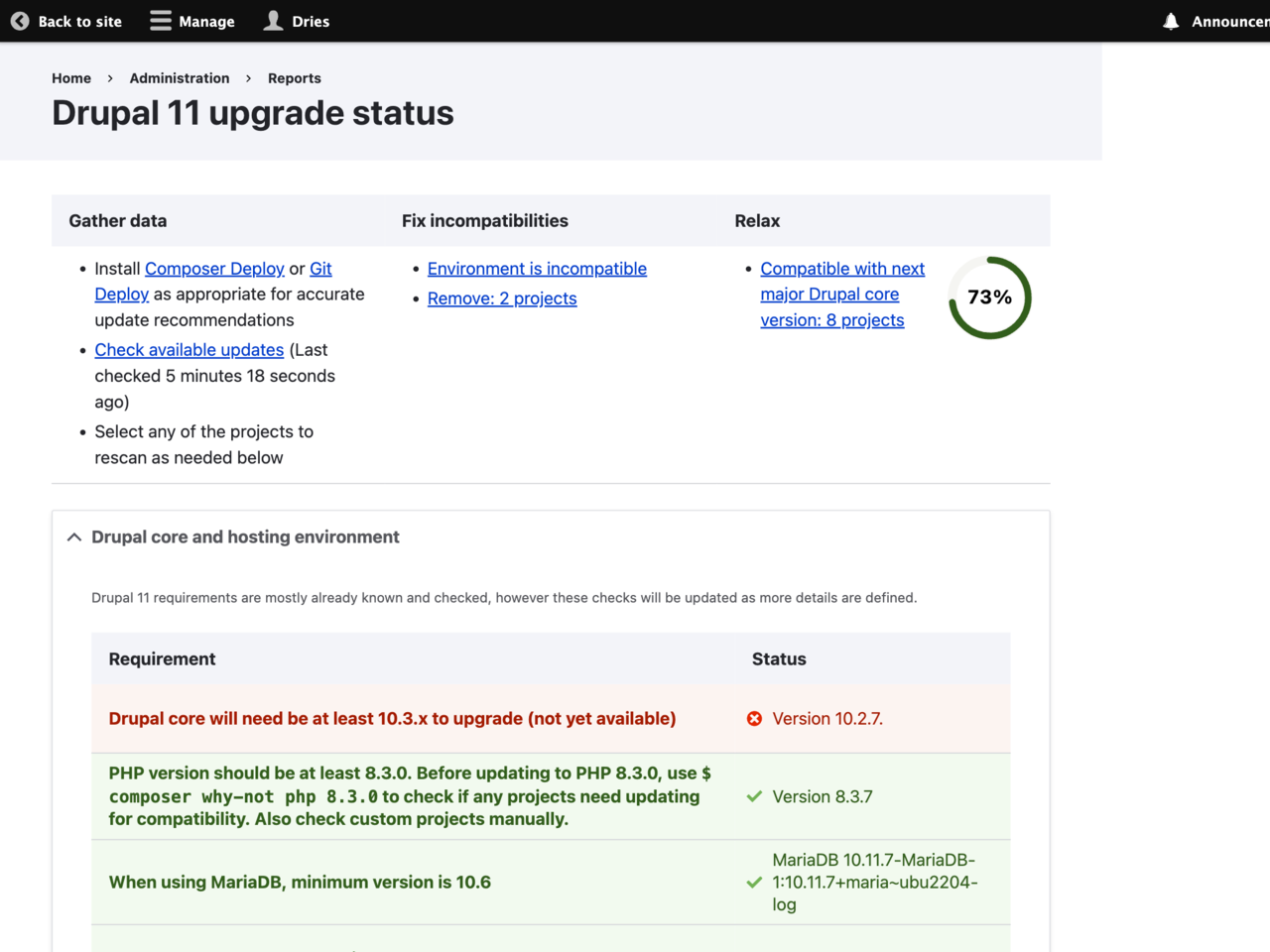
- Install the Upgrade Status module like you would install any other Drupal module:
  $ ddev composer require –dev drupal/upgrade_status
  ```

Here, `ddev` is the tool I prefer for managing my local development environment. `composer` is a dependency manager for PHP, commonly used to install Drupal modules. The `–dev` option specifies that the module should be installed as a development requirement, meaning it is necessary for development environments but not installed on production environments.
2. Enable the Upgrade Status module:

```shell
  $ ddev drush pm-enable upgrade_status
  ```

`drush` stands for "Drupal shell" and is a command-line utility for managing Drupal sites. The command `pm:enable` (where `pm` stands for "package manager") is used to enable a module in Drupal.
3. After enabling the module, you can access its features by navigating to the **Admin > Reports > Upgrade status** page at `/admin/reports/upgrade-status`.

## Upgrading PHP and MySQL using DDEV

The Upgrade Status module might recommend updating PHP and MySQL, per [Drupal's system requirements](https://www.drupal.org/docs/getting-started/system-requirements).

To update the PHP version of DDEV, use the following command:

```shell
$ ddev config –-php-version 8.3
To upgrade the MySQL version of DDEV and migrate your database content, use the following command:
$ ddev debug migrate-database mariadb:10.11
After updating these settings, I restart DDEV and run my PHPUnit tests. Although these tests are integrated into my CI/CD workflow, I also run them locally on my development machine using DDEV for immediate feedback.
§Drupal Check
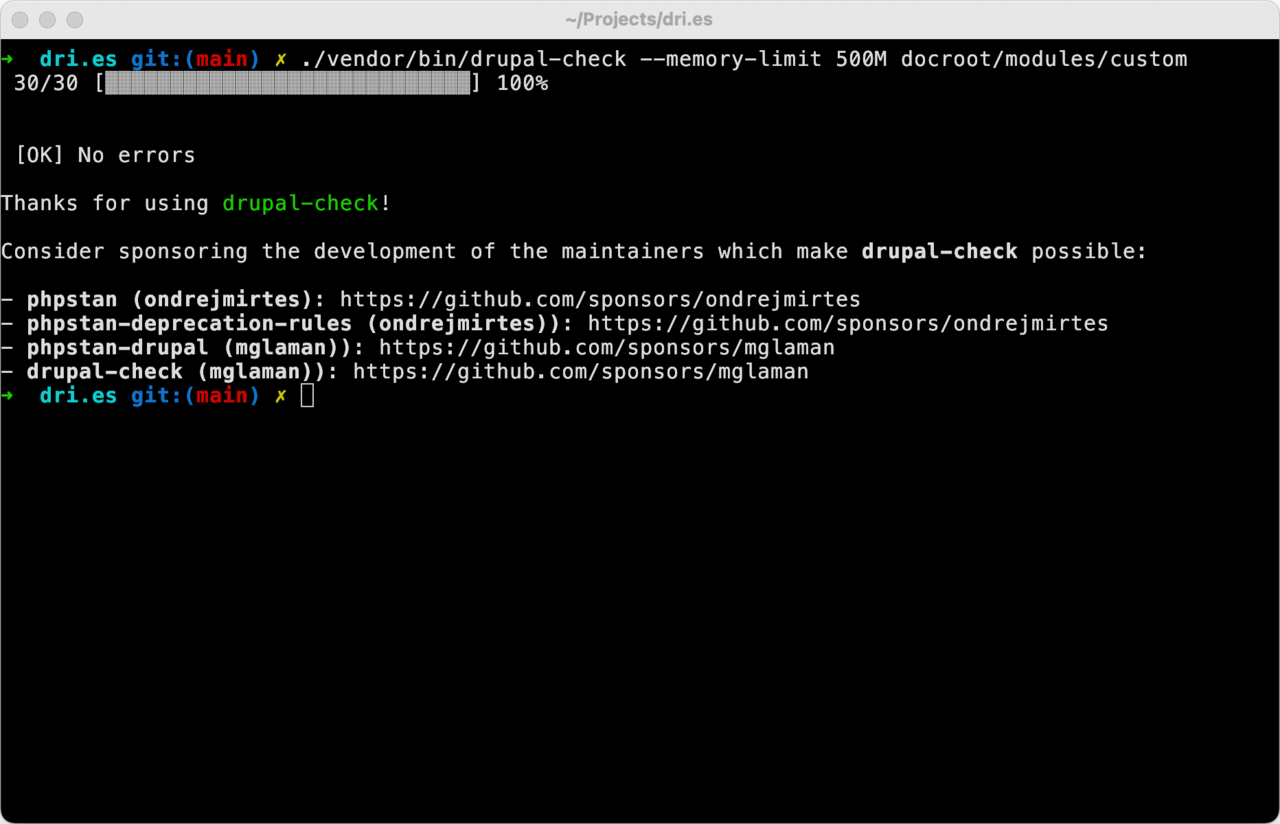
Drupal Check is a command-line tool that scans Drupal projects for deprecated code and compatibility issues.
I always run drupal-check before updating my Drupal site's code and third-party dependencies. This helps ensure there are no compatibility issues with the current codebase before upgrading. I also run drupal-check after the update to identify any new issues introduced by the updated code.
- Installation:
  $ ddev composer require –dev mglaman/drupal-check
  ```
2. Run Drupal Check from the root of your Drupal installation:

```shell
  $ ./vendor/bin/drupal-check –-memory-limit 500M docroot/modules/custom
  ```

I usually have to increase the memory limit, hence the `--memory-limit 500M`.

## Using PHPStan directly

In the future, I'd like to evaluate whether using PHPStan directly is simpler. This is a TODO for myself. Drupal Check is essentially a wrapper around PHPStan, offering default configuration such as automatically running at level 2. To achieve the same result with PHPStan, I should be able to simply run:

```shell
$ php vendor/bin/phpstan analyze -l 2 docroot/modules/custom